If you sell anything online in Nepal, the checkout question comes up within the first ten minutes of planning: 'Can customers pay with eSewa and Khalti?' The answer is yes, and the technical side is the easy part. What usually delays a launch is paperwork and testing.
What you need before integration starts
Both eSewa and Khalti need you to become a registered merchant before they give you live API keys. The exact list changes from time to time, so confirm with each provider, but expect to be asked for most of the following.
- Company or firm registration certificate
- PAN or VAT registration certificate
- Bank account details in the business name
- Citizenship or ID of the owner or authorised person
- A working website or app with clear refund, delivery and privacy policies
- If you sell online, your listing under Nepal's E-Commerce Act 2081 (see below)
The policy pages trip up a lot of applications. A website without a refund policy, delivery terms or a visible business address often gets sent back. We write those pages as part of every store we build, so the merchant application goes through the first time.
Is e-commerce legal in Nepal, and do you need to register?
Yes, and since the Electronic Commerce Act 2081 came into force in 2025, online businesses must list with the Department of Commerce, Supplies and Consumer Protection through its online portal. Your website must show your business name, address, registration and PAN/VAT details, a grievance contact and your listing number. Fines for non-compliance are significant, so do this before you launch, and check the latest rules with the department or your accountant.
How the integration works
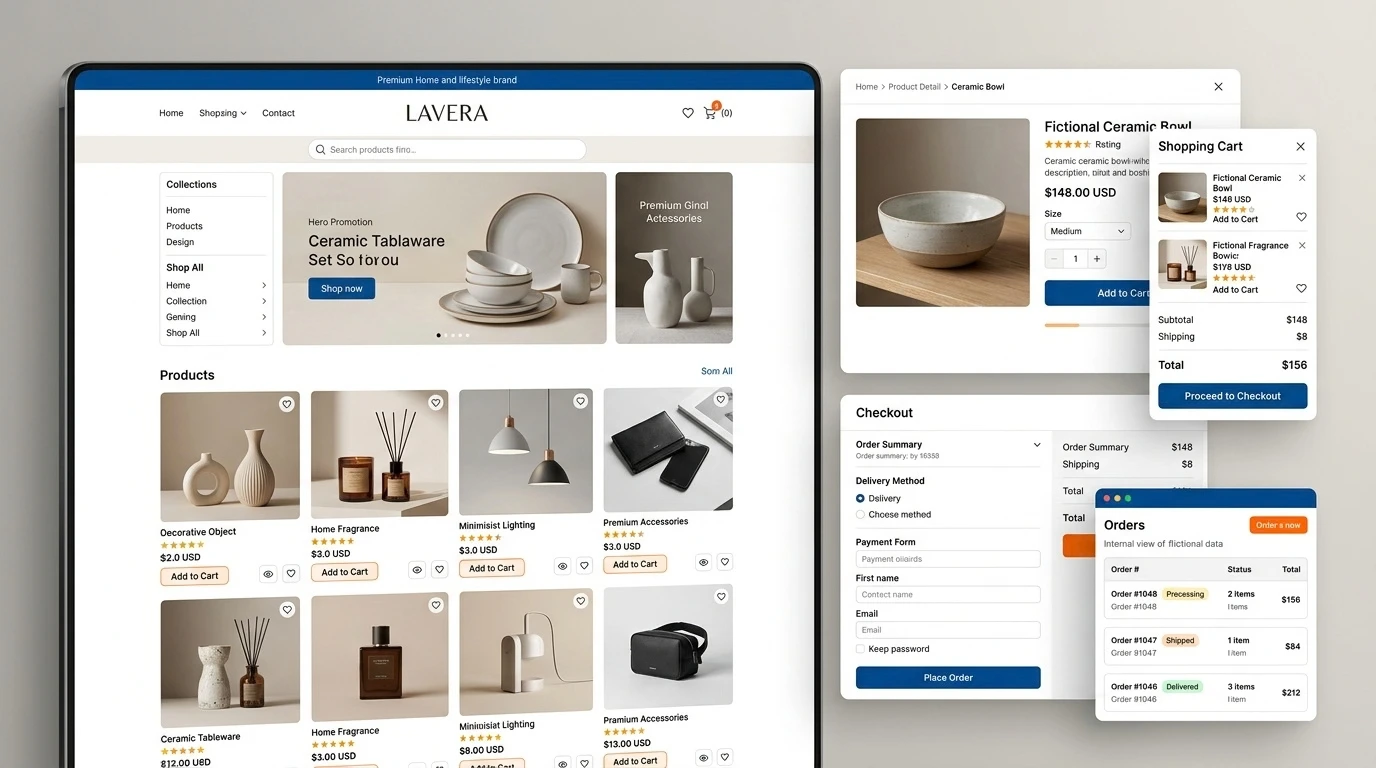
Both gateways follow a similar pattern. Your site creates a payment request with the amount and an order ID, the customer is sent to eSewa or Khalti to log in and approve, and they're redirected back to your site. Your server then verifies the transaction with the gateway before marking the order as paid.
| Step | What happens | Common mistake |
|---|---|---|
| 1. Create order | Your site saves the order as 'pending' with a unique ID | Reusing order IDs, which the gateway rejects |
| 2. Redirect | Customer goes to eSewa / Khalti to pay | Wrong success and failure URLs |
| 3. Return | Customer lands back on your site | Marking the order paid just because they returned |
| 4. Verify | Your server checks the transaction with the gateway API | Skipping verification, which allows fake payments |
| 5. Confirm | Order marked paid, SMS / email sent | No receipt, so customers call to check |
Step four is the one that matters. A store that trusts the redirect alone can be tricked into confirming orders that were never paid. Always verify on the server.
WooCommerce, Laravel, Django or custom?
There are WooCommerce plugins for eSewa and Khalti, which is the quickest route for a WordPress store. For Laravel, Django, Node.js or a mobile app, both providers publish developer documentation and test credentials, and integration typically takes a developer one to three days per gateway, including testing.
How much does payment gateway integration cost?
If we're building your store, eSewa, Khalti and cash on delivery are included in our ecommerce packages. As a standalone job on an existing site, most integrations take one to three days of development per gateway. On top of that, each provider charges a per-transaction fee set in your merchant agreement, so ask for the rate when you apply.
Testing checklist before going live
- Successful payment marks the order paid and sends a receipt
- Cancelled payment leaves the order pending and lets the customer retry
- Refreshing the success page doesn't create a duplicate order
- Amounts match exactly, including delivery charges and discounts
- Works on mobile, inside the Facebook and Instagram in-app browsers